Variable Quantity is an add-on for the free Stripe Checkout plugin that can be used to add an adjustable quantity field to your Stripe payment buttons. This lets buyers specify the quantity of a product they want to purchase.
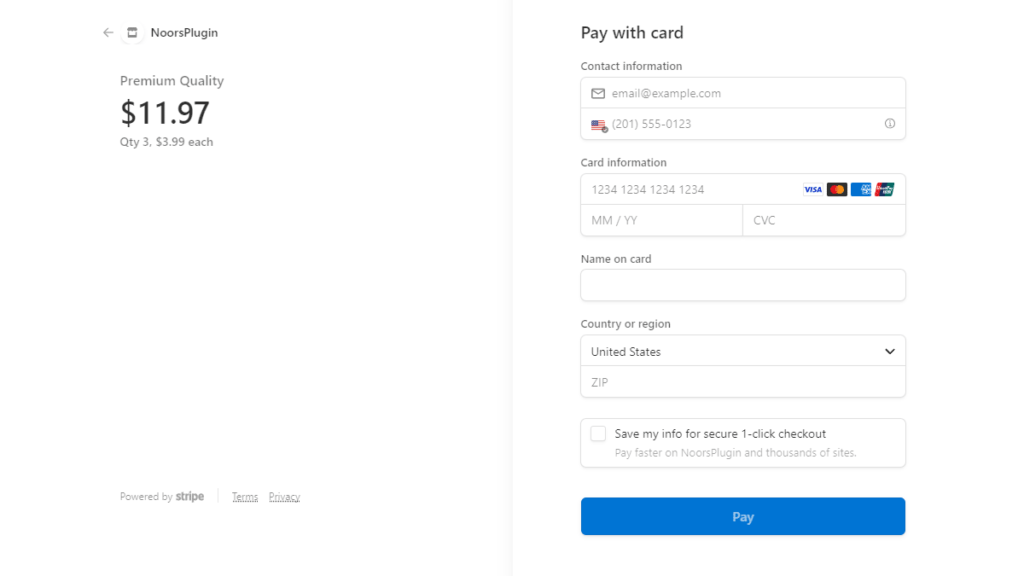
How Variable Product Quantity with Stripe Works
When a Stripe payment button is rendered on the front end with variable quantity enabled, a quantity input field will appear that will let buyers set the number of items they want to purchase.
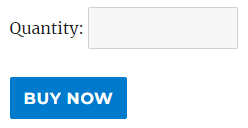
The default label for the quantity field (Quantity) can be customized in the add-on settings (Stripe Checkout > Variable Quantity).

How to Enable Variable Quantity for Stripe
Open the product in question (Stripe Checkout > Products > Edit) and Enable Variable Quantity in it.
Get All WP Stripe Checkout Add-ons

WP Stripe Checkout Add-on Bundle
Access to all WP Stripe Checkout plugin add-ons.
* Variable Price
* Variable Quantity
* Submit Type
* Terms of Service
* Payment Link Email
* Variable Currency
* WordPress User Tracking
* WordPress User Only Button
* Product SEO
License: Unlimited Websites
Note:
* Do not purchase before setting up the core plugin first. The add-on is not at fault if the core plugin does not work on your website.
* Do not purchase if you are not sure about a feature, contact us instead.
* Do not purchase to ask for more features or make the product work in a certain way.
Price: $359.99
Price: $49.99